Google Drive Adaptor
About Google Drive
Google Drive is Google's cloud-based file storage and synchronization service that allows users to store files online and access them from any computer or mobile device. Google Drive provides secure cloud storage, real-time collaboration capabilities, and seamless integration with Google Workspace applications including Docs, Sheets, and Slides.
Integration Options
REST API: Google Drive provides comprehensive REST APIs through the Google Drive API, enabling developers to create, read, update, and manage files and folders programmatically. The API supports OAuth 2.0 authentication and provides access to metadata, content manipulation, and sharing permissions management.
Authentication
Google Drive authentication requires an access token, which can be obtained in two ways: via a Google Service Account (recommended) or via OAuth2 using a personal Google account.
Google Service Account (Recommended)
We strongly recommend using a Google Service Account for production workflows. A service account is a dedicated, non-personal Google identity designed for machine-to-machine access. It does not require anyone to log in with their personal Gmail account, and it won't break if someone changes their password or loses access.
When setting up a service account for Google Drive:
- Grant only the scopes your workflow requires, following the principle of least privilege. See Google's documentation on OAuth scopes for the available Drive scopes.
- Share the specific Drive folder(s) or file(s) with the service account's email
address (e.g.
my-service-account@my-project.iam.gserviceaccount.com) at the appropriate permission level (Viewer for read-only, Editor for write access).
See the Credentials page for broader guidance on why dedicated integration users and service accounts are recommended for all OpenFn workflows.
OAuth2
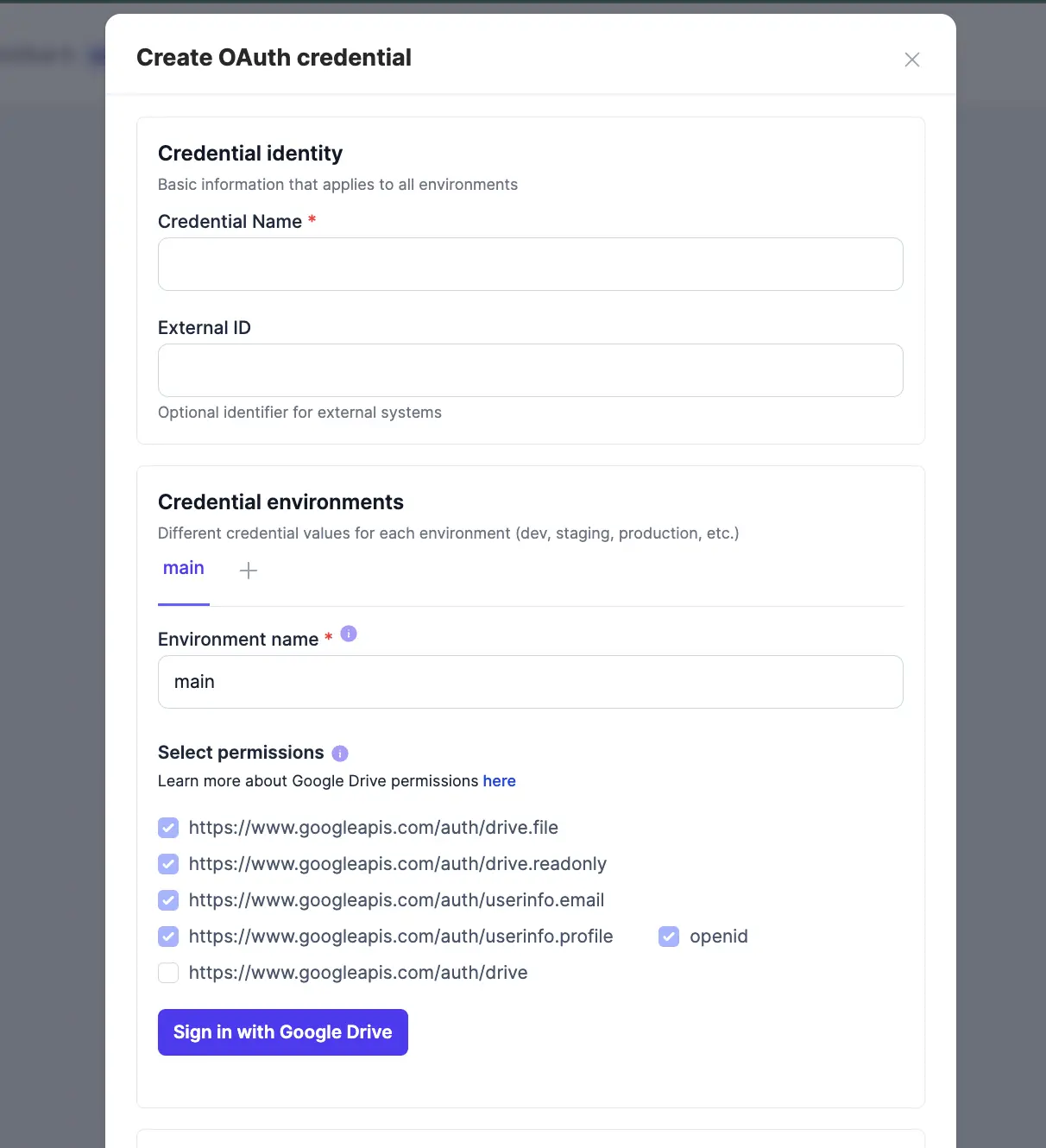
OpenFn has a built-in GoogleDrive OAuth credential type that handles the OAuth 2.0 flow for you. This works with any Google user account — personal Gmail or Google Workspace — but keep in mind the integration is tied to whichever account completes the authorization. If that person's access is revoked or they leave the organization, the integration will break.
To authorize Google Drive using OAuth2, read our documentation on using OAuth credentials.
Access Token (Local Testing Only)
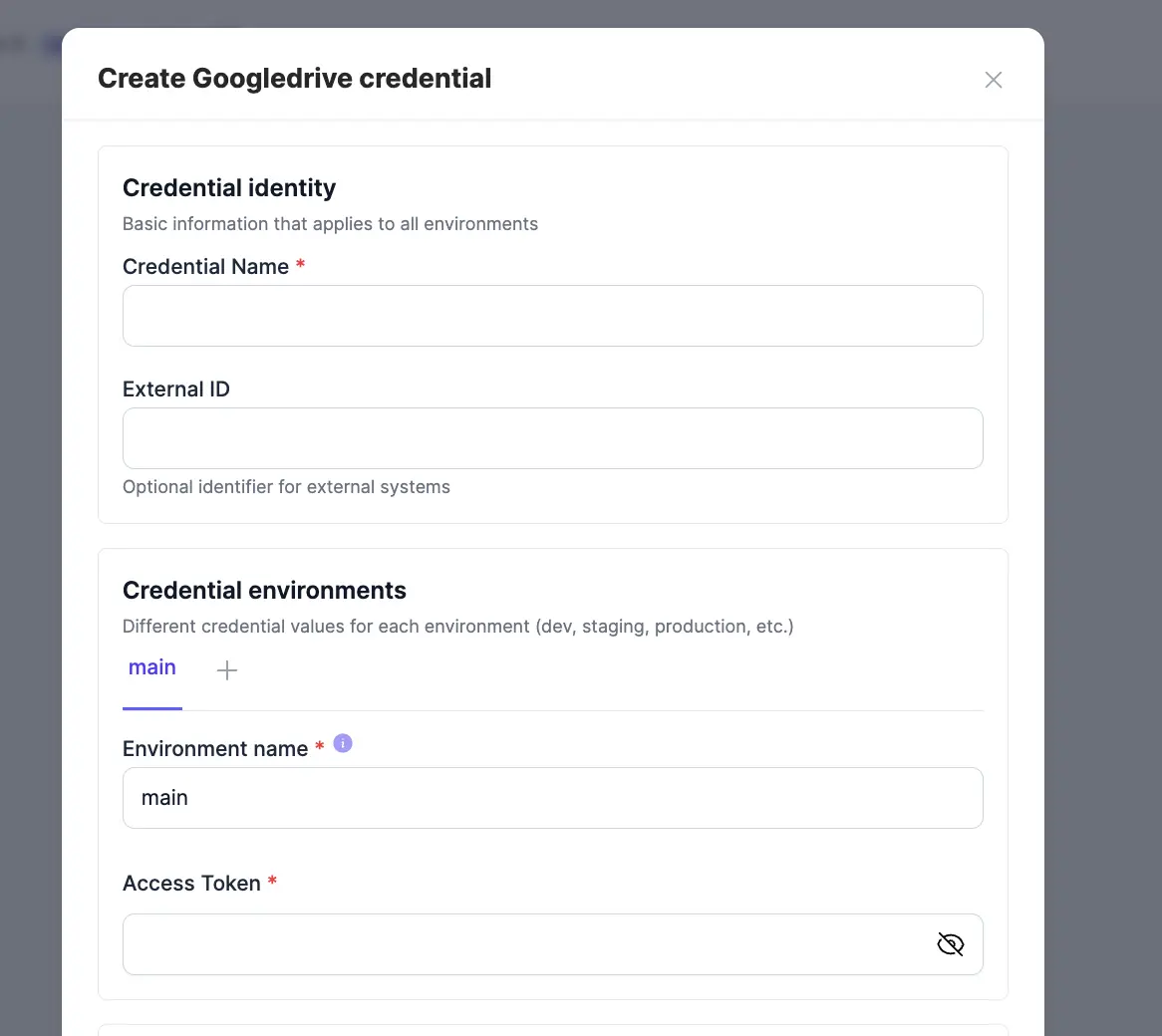
For local development and testing, you can generate a short-lived access token
(valid for 1 hour) using the gcloud CLI and provide it directly:
gcloud auth print-access-token
Then set it as your credential:
{
  "access_token": "eyJ0eXAiOiJKV1QiLCJhbGciOiJSUzI1NiIsIng1dCI6IjlGWERwYmZNRlQyU3ZRdVhoODQ2WVR3RUlCdyIsI"
}
This approach is not suitable for production as the token expires quickly and must be manually refreshed.
Helpful Links
- Google Drive API Documentation
- OpenFn Google Drive Adaptor Configuration
- OpenFn Google Drive Adaptor Docs
OpenFn adaptors are open source and we welcome contributions. See the Adaptors Wiki to learn how to update an adaptor, or ask on the OpenFn Community Forum.